


- Part 1: WordPress.com vs. WordPress.org: Everything you need to know
- Part 2: How To Buy Hosting For Your WordPress Blog
- Part 3: <<You are here>>
- Part 4: Essential Settings After Installing WordPress
- Part 5: How To Install A WordPress Plugin
- Part 6: How To Install A WordPress Theme
- Sign up for Bluehost (use this link to get a discount and free domain)
Complete Guide To Create a WordPress Blog on Bluehost
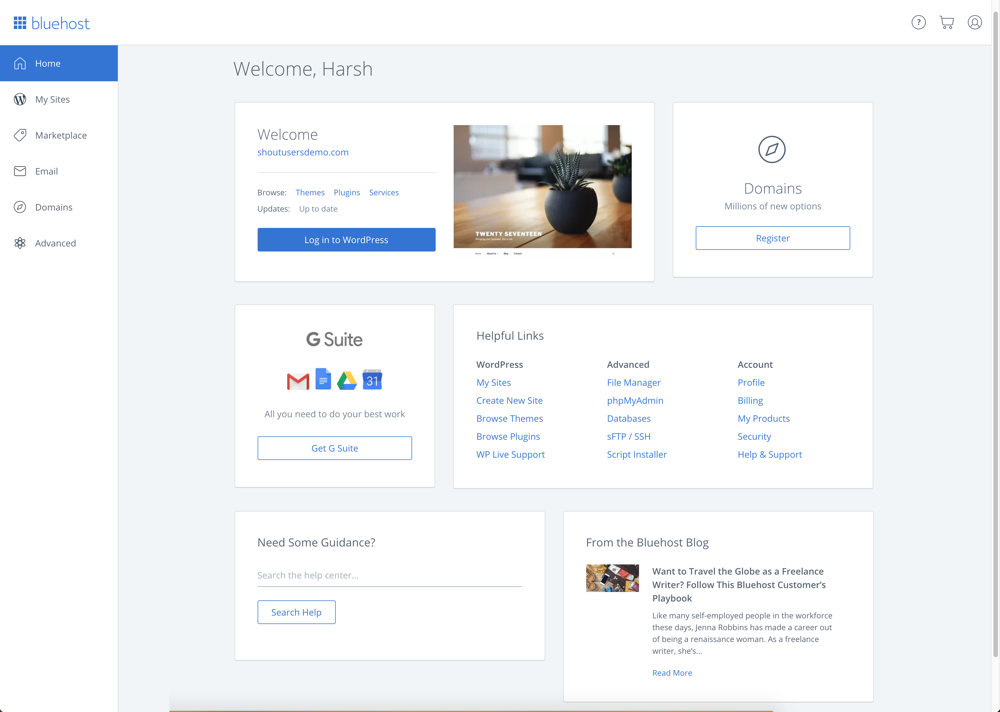
Installing WordPress Manually on Bluehost:
- Login to your Bluehost Hosting Dashboard
- Click on Marketplace
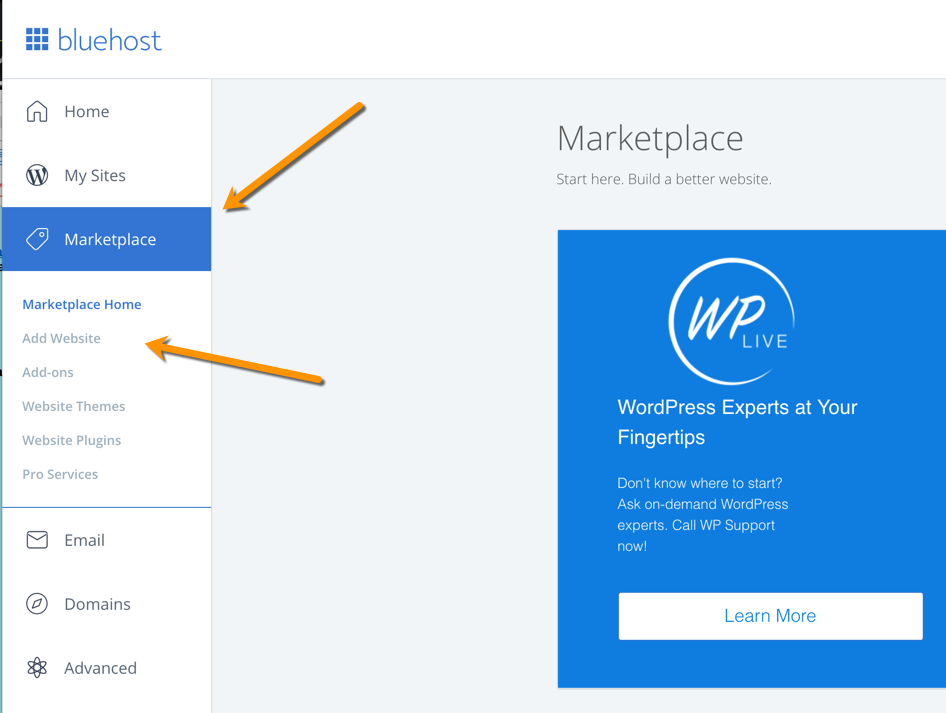
- Click on Add Website
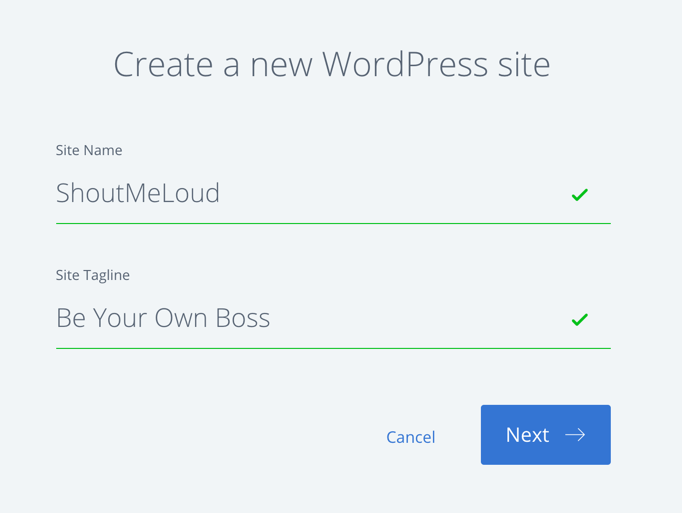
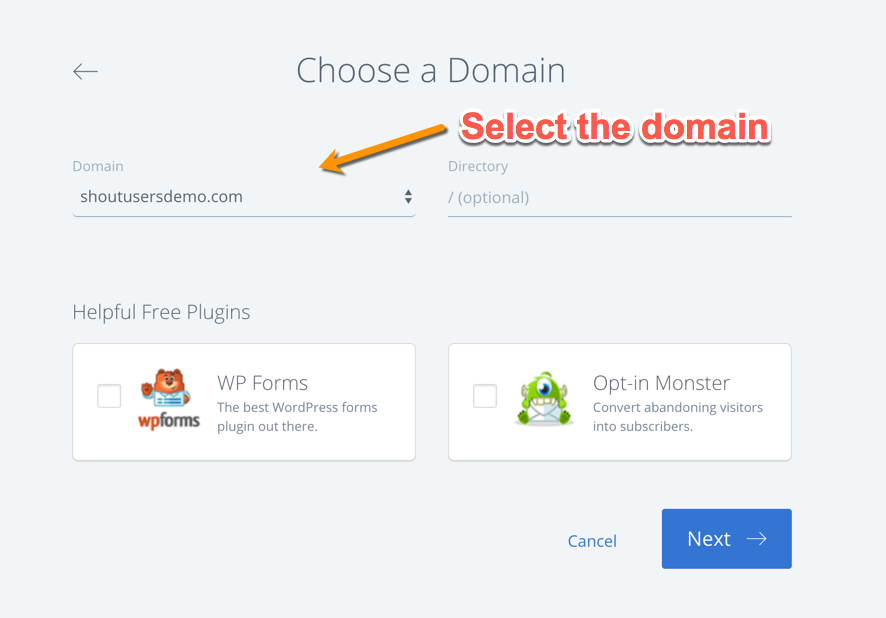
- Enter details
Things To Do After Installing WordPress On Bluehost:
- Best WordPress Plugins for SEO
- Best WordPress Social Media Plugins
- List of cheap WordPress hosting


 Best Blogger Designs, Tips, Tricks, Tools, Basic To Advanced Training, Money Making Tips, SEO, Traffic Genaration Methods, Free Templates, Free Hosting Tricks.